The week no model shipped is the week to fix your self-hosted LLM in production
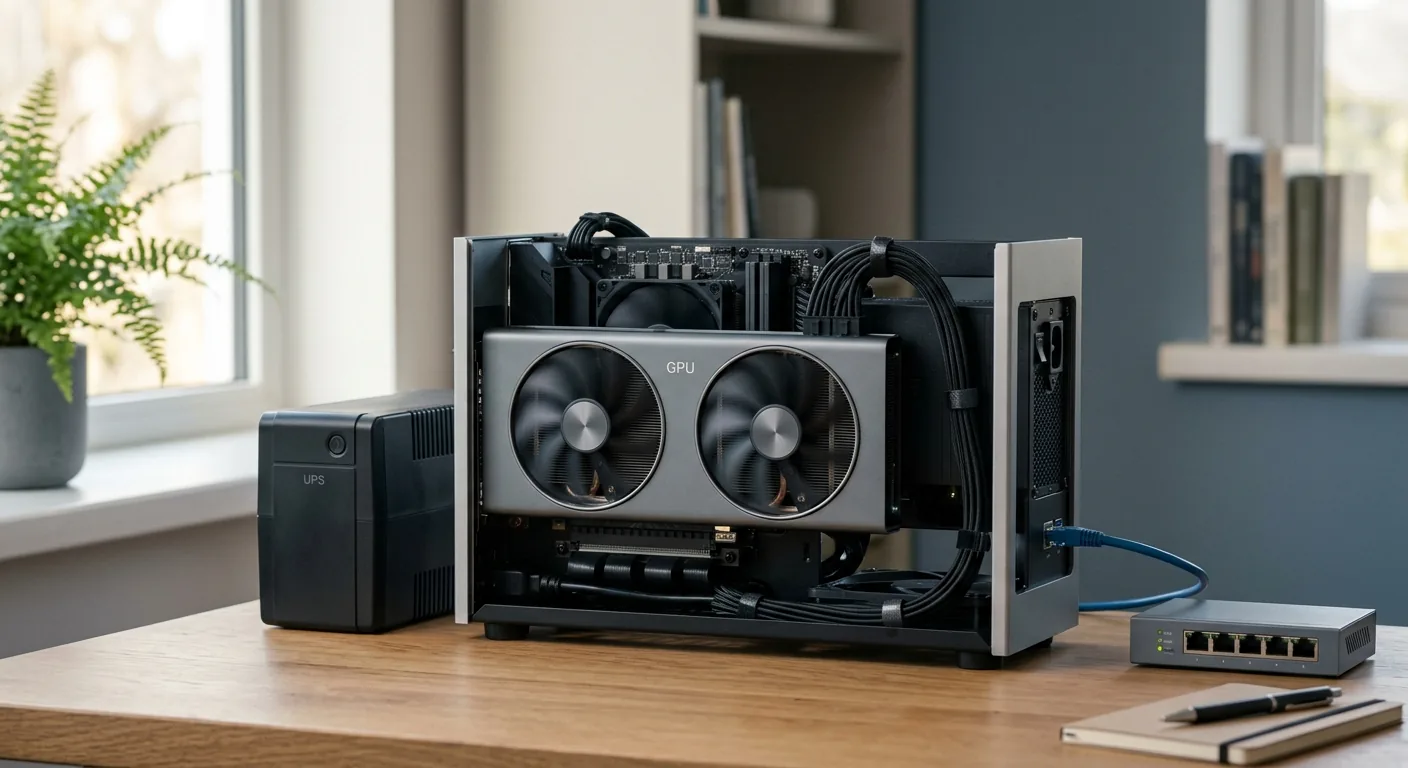
No open-weight model shipped in the last three days, and that is exactly why it is a good week to look at the operational stack around a self-hosted LLM. A fresh build guide and an Ollama release candidate both point at the same truth: running a model in production is a four-layer operations job, not a download.
No open-weight model shipped in the last three days, so this is a good week to look at the part of self-hosting that the release-watching never gets to: the operations. A fresh build guide from June 29 and a quiet Ollama release candidate from the same day both land on one point. Running a model in production is four layers (serving engine, virtualization, power, and a private authenticated network), and the laptop demo that printed one good answer proves almost none of them.
I went looking for a new open-weight model this week and found a wall. The llm-stats updates tracker still reads “No open source releases this week,” with the freshest open-weight model sitting back on June 16 (GLM-5.2) and the only newer launch being a proprietary, API-only one from June 24. Nothing to download, nothing to benchmark, nothing to swap in.
And then two things published on June 29 that, read together, are more useful than another model would have been. Digital Applied put out a detailed build guide for a self-hosted server. The Ollama project shipped a release candidate, v0.30.12-rc0, that quietly bumped its underlying llama.cpp engine. Neither is a headline. Both describe the same reality: the thing that actually moves week to week is not the model, it is the operational surface around running one.
What a self-hosted LLM in production actually asks of you
Here is the trap, and almost every team I have watched walks into it the same way. Someone runs a model on a laptop, gets a great answer in two minutes through Ollama, and reports back that self-hosting “works.” It does work, for that one prompt, for that one person, with no concurrency and no uptime expectation. Then it goes in front of a team and the floor falls out.
The June 29 build guide is good precisely because it refuses to stop at the demo. It frames the first real decision as the serving engine, and it is honest about the fork. Ollama is the dead-simple default, OpenAI-compatible out of the box at http://localhost:11434/v1, which is why it wins the laptop test. The guide also names the first gotcha most people hit: Ollama’s default context length is only 2048 tokens, and it has to be raised to something like 32000 to 65536 before it stops truncating real work. The other path is vLLM, which adds PagedAttention, continuous batching, and multi-GPU tensor parallelism. The guide cites vLLM’s own documentation claiming 14 to 24 times the throughput of plain HuggingFace Transformers, and flags it as vendor-stated, which is the right amount of skepticism.
The sizing rule it lands on is the one worth memorizing: budget about 0.6 GB per billion parameters at Q4_K_M. That single number tells you that a 24GB card (a used RTX 3090 at 700 to 900 dollars, or a 4090) tops out around a 32B model. It also explains the counterintuitive bit, that an RTX 5090 with 32GB of VRAM still caps at a 32B-class model and will not hold a 70B at Q4. For a 70B you are looking at a 48GB RTX 6000 Ada (38 to 48 GB used) or a 128GB Mac Studio, which the guide says runs a 70B comfortably. A used 3090, for reference, does about 50 tokens per second on a 7B.
The demo proves the model can answer. It says nothing about concurrency, uptime, context length, network exposure, or what happens when the power blinks. Those are separate layers, and they are where self-hosting actually lives.
The four layers the laptop demo skipped
This is the part that earns the word “production,” and it is where the build guide quietly becomes a checklist instead of a tutorial. Running a model for a team, not a person, is four distinct layers, and each one is a place a smooth demo silently lied to you.
The first layer is virtualization. The guide recommends Proxmox GPU passthrough with one GPU per virtual machine, full passthrough rather than a shared container, so the card belongs cleanly to the workload that needs it. The second layer is a real front end for more than one human, which it handles with Open WebUI running over Docker. The third layer is power, and this is the one nobody puts on the slide. A 1500 VA pure sine-wave UPS, around 190 dollars, buys roughly 10 to 12 minutes of runtime, and active-PFC power supplies actually require pure sine rather than the cheaper stepped approximation. The fourth layer is private, authenticated remote access, which the guide solves with Tailscale Serve, and explicitly not the public Tailscale Funnel for an unauthenticated endpoint.
That fourth layer carries the sharpest warning in the whole piece, and it is the kind of thing that turns a side project into an incident. As the guide put it:
"Never expose raw Ollama to the public internet."
The reason is concrete. Port 11434 has no built-in authentication. Leave it open to the internet and an attacker can enumerate the models, run inference on the hardware at the team’s electricity cost, and pull the local weights right off the box. The whole reason a team self-hosts is usually to keep data and models in-house. An open 11434 hands all three back out, and it is the single easiest mistake to make because the default is “just works.”
Where the serving-engine choice quietly breaks
So the model fits in VRAM and the four layers are stood up. The next thing that breaks is concurrency, and this is where the Ollama-versus-vLLM choice stops being academic. The clearest numbers I have on this are from a Spheron comparison published back in March, so treat them as background rather than this-week news, but the shape is durable. As Spheron measured it:
"On an H100 80GB serving Llama 3.1 8B, vLLM can sustain 180+ concurrent FP16 requests before OOM. Ollama hits OOM around 40."
Same hardware, same model, four-and-a-half times the concurrent load before the box falls over. In the same tests, at 32 concurrent requests vLLM held roughly 1,450 tokens per second against Ollama’s 320, and time-to-first-token came in around 95 milliseconds versus 290. Spheron’s one-liner sticks with me: at 20 concurrent users, Ollama queues 19 of them while vLLM’s continuous batching runs all 20 in the same forward pass.
None of that makes Ollama wrong. It makes it a tool for a different job. Ollama is genuinely the right call for a single developer, a prototype, or a low-concurrency internal tool, and the fact that it shipped two release candidates this week (v0.30.11-rc1 on June 26 adding model support, v0.30.12-rc0 on June 29 bumping the engine) shows it is being actively maintained, not abandoned. The mistake is reaching for the simple tool and then putting team traffic on it, watching the queue back up, and concluding that “self-hosting is slow.” Self-hosting was not slow. The engine was sized for one user and got handed a crowd.
There is an economics tail to this too, and it is honest to name it. A separate Digital Applied decision guide from May noted that at roughly 10 percent utilization, real cost per token can run about 10 times the headline GPU rate, that DevOps and overhead typically add a 3 to 5 times multiplier on top of raw hardware, and that Text Generation Inference went into maintenance mode back in December 2025. Background numbers, but the lesson holds: an idle, over-provisioned, hand-maintained box is the most expensive way to run a model that exists.
What the no-release week is actually telling us
Step back and the pattern is almost reassuring. A week with no new open-weight model is not a quiet week. It is the normal week. The release cadence that makes the timeline feel frantic is the exception, and the work that actually determines whether a self-hosted deployment survives contact with a team happens in the boring layers that never trend.
Look at what did move this week. An engine release candidate. A build guide. A reminder about an unauthenticated port. That is the real texture of running models in-house, and it keeps moving whether or not a new model drops. The teams that do well here are not the ones refreshing the leaderboard. They are the ones who treated “run a model in production” as an operations project with four named layers and a concurrency budget, and who picked the serving engine to match the actual load instead of the demo.
The model fitting in VRAM is the easy half. The hard half is the serving engine, the virtualization, the power, and the one open port that hands your weights to the internet.
What I would tell you over coffee
If a new model had shipped this week, I would probably be writing about whether it fits on a 24GB card. Since none did, here is the more useful thing. Go look at your own self-hosted setup, or the one someone on the team stood up “just to try it,” and check it against the four layers. Is the serving engine matched to how many people actually hit it at once, or is it Ollama doing a vLLM job? Is the box on a UPS, or one brownout away from a hard shutdown mid-generation? And the thirty-second one that matters most: is port 11434 reachable from outside, with no auth in front of it?
The average “we’ll just self-host it” plan has a slide for the model and zero slides for who reboots the box. The good news is that the missing slides are knowable, finite, and mostly cost a Proxmox config and a 190-dollar UPS. A week with nothing new to download is the cheapest possible week to fix them.
Sources
- Build a Home AI Server in 2026: Self-Hosted LLM Guide - Digital Applied, 2026-06-29
- Ollama Release Notes - June 2026 Latest Updates - Releasebot, 2026-06-29
- Ollama vs vLLM: Local vs Production LLM Inference Compared (2026) - Spheron, 2026-03-29
- Self-Hosting Open-Weight LLMs: 2026 Decision Guide - Digital Applied, 2026-05-27
- AI Updates Today (June 2026) - Latest AI Model Releases - llm-stats.com, 2026-06-24
Written by Kinan Hamwi, Founder of Cerevisor.